

Created with Gemini, Google AI
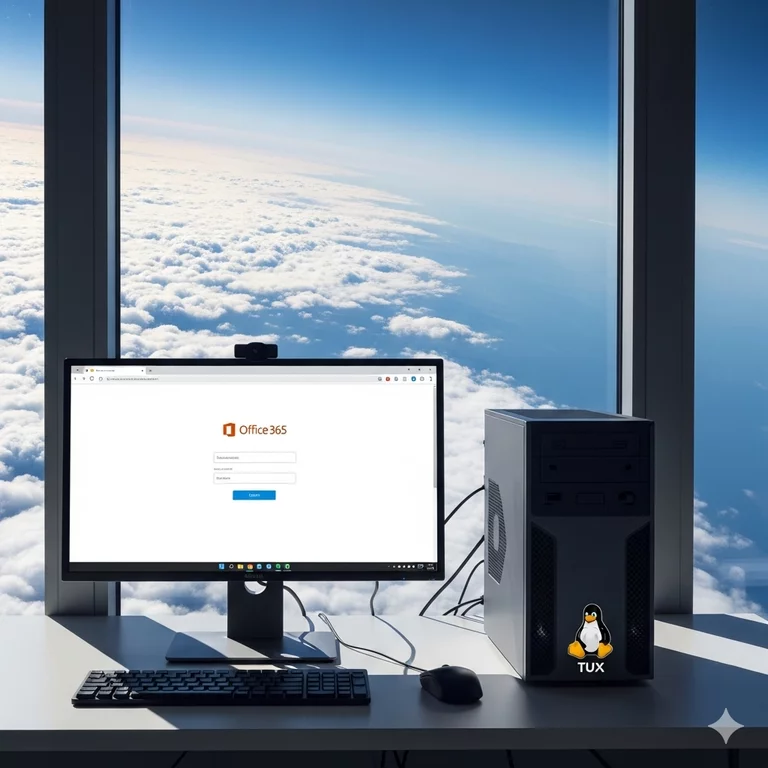
It's a common concern: you want to switch to a new operating system like Linux but don't want to lose access to familiar tools like Microsoft Office. The great news is, you don't have to choose between the two. You can install Linux on your computer and continue to work on your documents with Office 365 by using the cloud. This approach gives you full control over your computer's operating system while still providing access to the powerful productivity tools you rely on.
The Power of the Cloud
The key to this strategy is that you don't need to install any software on your computer. Instead, you'll use a web browser, a tool you already know how to use. Microsoft offers a full, web-based version of the Office suite that runs directly in your browser. This includes Word, Excel, PowerPoint, and OneNote. As long as you have an internet connection, you can access your documents from anywhere, on any computer, including your new Linux machine. All your work is saved automatically to OneDrive, Microsoft's cloud storage service. This means your files are always up to date and accessible, regardless of the computer you're on.
How to Get Started with Linux and Office 365
-
Install Linux: The first step is to install a Linux distribution on your computer. If you're new to Linux, a great choice is something like Ubuntu or Linux Mint. They are both very user-friendly, have large communities for support, and come with a familiar desktop layout. There are many simple guides available online that walk you through the installation process.
-
Open Your Web Browser: Once you have Linux installed and running, you'll find that it comes with a web browser pre-installed, often Firefox. You can also easily install another browser like Chrome or Edge if you prefer.
-
Go to Office.com: Simply open your browser and go to the official website: Office.com.
-
Log In: Log in using your personal or work Microsoft account. You'll be taken to your personalized dashboard, where you can see all your recent documents, create new ones, and access all the Office applications.
-
Start Working: From here, you can click on Word to open a new document, or open a spreadsheet in Excel that's saved in your OneDrive. All the familiar features are there. You can type, format, add formulas, and create presentations just as you would in the desktop applications. Your changes are saved automatically, so there’s no need to manually save your work.
Becoming the Master of Your Machine
Choosing to use a cloud-based service like Office 365 on Linux means you get the best of both worlds.
On one hand, you gain full control of your computer with Linux. This operating system is open-source, which means it’s developed and maintained by a global community of experts. This results in an incredibly stable and secure system. You can customize nearly every aspect of your desktop to suit your needs and you are not tied to a single company's ecosystem. You get to decide what software to install and how your computer works.
On the other hand, you don't lose access to the "Windows programs" you're used to. While you're not running the full desktop applications, you are using the official Microsoft-supported versions of Word, Excel, and others. The cloud is a powerful, universal platform that is not tied to any single operating system.
By using Office 365 in your web browser, you are leveraging the power of the cloud to make your tools work for you, not the other way around. This approach is perfect for beginners and advanced users alike, as it eliminates the complexities of installing Windows programs on Linux while providing a seamless and reliable way to access all your documents. You get to be in charge of your own computer, while still enjoying the convenience of widely used services.